WebMCP vs MCP: what is the difference and when do you need each?
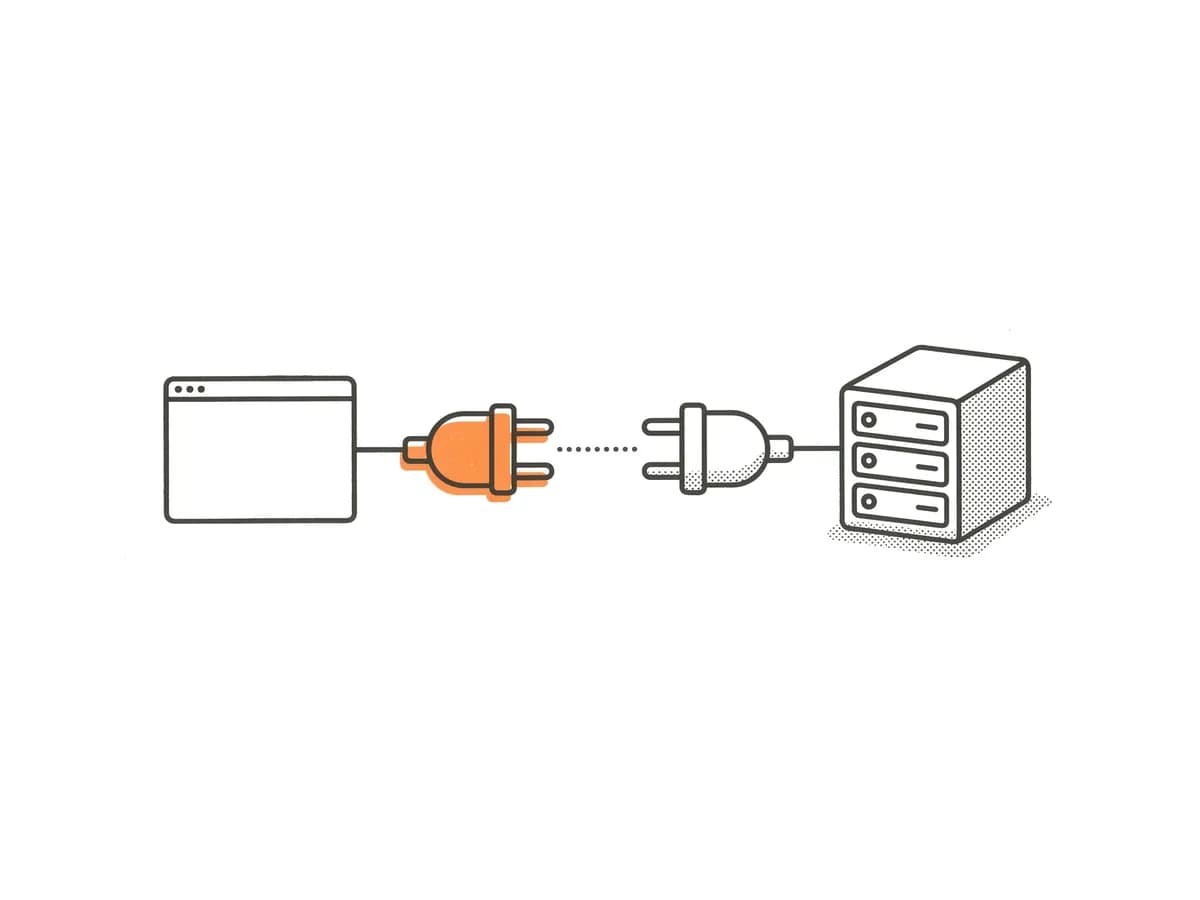
MCP (Model Context Protocol) and WebMCP both let AI agents call tools, but they run in completely different places and serve different purposes. MCP tools run on a server you operate; WebMCP tools run inside the user's browser tab. Understanding that one difference resolves most of the confusion, and it also shows why most production systems will end up using both.
The one-sentence version of each
MCP: an AI application connects over HTTP or stdio to a server you run; that server exposes tools, resources, and prompts the agent can call.
WebMCP: a web page registers JavaScript functions in the browser; a WebMCP-capable browser exposes those functions to whatever AI agent it is hosting, using the user's existing session.
Side-by-side comparison
| Dimension | MCP | WebMCP |
|---|---|---|
| Where tools run | On a server you operate | In the user's browser tab |
| Who hosts them | You maintain a server process | The web page registers tools in JavaScript |
| Auth and session | Explicit credentials or tokens you configure | The user's browser cookies and logged-in session |
| Discovery | Agent must be told the server URL | Browser exposes registered tools automatically |
| Compatible clients | Any MCP-compatible AI app (Claude, ChatGPT, Cursor, many others) | WebMCP-capable browsers and agents: ChatGPT's desktop browser, Chrome and Edge origin trials, Brave Nightly, developer frameworks (Sep 2026) |
| Standards body | Agentic AI Foundation, under the Linux Foundation | W3C Web Machine Learning Community Group (draft, not on the W3C Standards Track) |
| Maturity | Industry foundation stewardship; wide tooling; ~40.3M npm downloads/week (Sep 2026) | Draft spec; breaking changes through mid-2026; ~51,913 npm downloads/week for the polyfill (Sep 2026) |
| Works without an open browser page? | Yes | No: tools disappear when the page is closed |
| Works headless? | Yes | Mostly used with a person present; developer frameworks can drive it in a headless browser |
| Typical uses | Back-office automation, data pipelines, LLM integrations, server-to-server | In-browser shopping, form completion, page-state actions while a user watches |
When to use MCP
Choose MCP when:
- You need an AI application to reach data or operations on your server, regardless of whether a browser is open.
- You want to support Claude, Cursor, or other MCP clients that do not run a browser.
- The work must complete without a human watching: batch jobs, scheduled workflows, back-office automations.
- You need authentication that goes beyond a browser cookie, such as API keys or OAuth tokens your server controls.
- Latency or reliability matter more than visual confirmation: a server call does not depend on a rendered page.
Shopify already runs server-side MCP endpoints alongside its storefront WebMCP tools. The Shopify Storefront MCP lets agents query catalog data without opening a browser page. Cart operations are moving to the UCP Cart MCP at https://{shop-domain}/api/ucp/mcp. These are separate from the ten browser-side tools Shopify registers on every Liquid storefront. They address different parts of the same shopping journey.
When to use WebMCP
Choose WebMCP when:
- You want agents to act on a page the user is already viewing.
- Your application state lives in the browser: React component state, localStorage data, UI context that is expensive to replicate server-side.
- You want the lowest possible setup cost: no server to provision, no credentials to distribute, no connection URL to configure in the user's AI app.
- You want to reach ChatGPT users who are browsing your site in the desktop app. ChatGPT's built-in browser has called WebMCP site tools since August 25, 2026: any user on a Sol or Terra model, in a non-Enterprise or non-Edu plan, automatically gets that capability on WebMCP-compatible pages.
- You want to start with progressive enhancement and add tools as demand appears.
Cloudflare enabled WebMCP support with a dashboard toggle on August 6, 2026, as a developer preview. Mintlify added it to Pro-plan documentation sites on September 21, 2026. Stripe staff said on September 22, 2026 that Stripe Checkout supports it. These rollouts show the pattern: WebMCP is fastest when the platform adds it for you and you layer custom tools on top.
When to use both
Stores that go beyond the Shopify defaults often end up using both, for different layers:
Customer-facing (WebMCP): lets any user in a WebMCP-capable browser search products, manage their cart, and start checkout using the tools Shopify already registers: plus any custom tools you add for order status lookups, comparison features, or store-specific workflows.
Internal and back-office (MCP): lets authorized agents (your own support workflows, inventory dashboards, fulfilment tools) query order data, update stock, or trigger operations without a browser session. Your operations team's agents connect to your MCP server with credentials; they never touch the browser-side tool surface.
The two do not conflict: one serves the shopper's open browser tab, the other serves your own systems.
PayPal's rollout shows why the browser layer is worth having: WebMCP tools in the storefront handle product discovery and cart actions, then hand the shopper to PayPal's checkout. In PayPal's internal sandbox tests (a small benchmark, not production data), this approach used approximately 3 tool calls instead of more than 30 browser-interaction steps, ran about twice as fast at the median, and cost about 4.6 times less in model-inference resources.
Common misconceptions
"WebMCP replaces MCP."
It does not. WebMCP is tab-scoped and session-scoped. It cannot run without an open browser page, it cannot work with most existing MCP clients, and it is restricted to users on WebMCP-capable browsers: which excludes Safari and Firefox as of September 2026. MCP has an almost two-year head start, industry foundation stewardship, and more than 700 times the weekly npm downloads of WebMCP's packages (September 2026). The two protocols complement each other.
"WebMCP is like llms.txt."
No. llms.txt is a static text file published at a well-known path on your domain. It describes your site in plain text so that AI models can read it and understand what your site does. It is content: it cannot take any action. WebMCP gives agents executable functions they can call on a live page. An llms.txt file tells a model what your checkout process looks like; a WebMCP proceed_to_checkout tool does it. The two serve different purposes and are not substitutes for each other.
"WebMCP will improve my search ranking."
OpenAI's documentation doesn't say how WebMCP might affect rankings, citations or discoverability in ChatGPT, and Google has not announced any ranking signal tied to WebMCP. Don't add WebMCP expecting SEO benefits.
"I need a developer to add WebMCP to my Shopify store."
Since August 5, 2026, Shopify has registered ten WebMCP tools on every Liquid storefront automatically. If you are on Shopify and your theme is Liquid-based, you already have those tools. Whether those ten tools cover your needs (or whether you need custom tools for order status, account management, or other store-specific actions) is a separate question.
"WebMCP is only for e-commerce."
The spec is general purpose. Any web application with interactive features can register tools. Of the first 81 confirmed WebMCP deployments tracked by APIs.io as of September 3, 2026, 72 came through a single ReadMe deployment script: primarily API documentation sites. E-commerce is a prominent early use case, but developer tools, dashboards, and document sites are already using the same API.
The version number to watch
Chrome 157 is the listed target for WebMCP to ship outside an origin trial, expected around November 3, 2026. That date is not committed. Until Chrome 157 ships, WebMCP in Chrome runs under an origin trial that sites must join (ChatGPT's desktop browser doesn't need one), and no browser outside the Chromium family has committed to implementation. MCP, by contrast, works across every AI application that has implemented the protocol, independent of which browser the user has open.
Sources
- WebMCP: W3C Web Machine Learning Community Group Spec
- WebMCP: the Why?, the What? and the How?: Tech-Tech
- WebMCP: AI in Chrome: Chrome for Developers
- ChatGPT Adds WebMCP Support For Interactive Websites: Search Engine Journal
- WebMCP is here: PayPal is helping every merchant become agent-ready: PayPal Developer Blog
- Cloudflare WebMCP: Cloudflare Blog
- The first 81 WebMCP deployments: 72 are one script: APIs.io